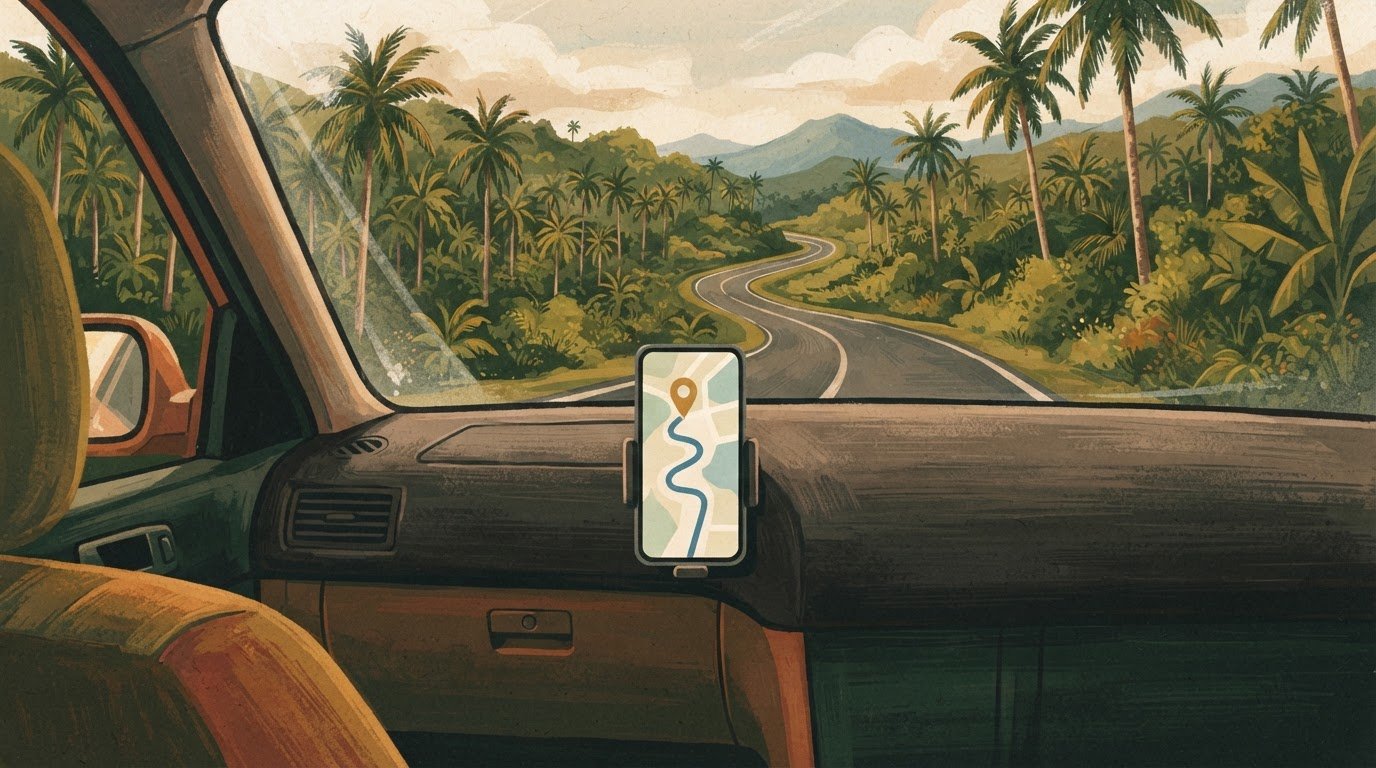
Before a road trip, save the roads between your starting point and destination in Google Maps. A rider planning a trip from Rizal to Bicol asked which SIM to use in case the signal dropped along the way. For a trip by car, there’s something you can do before choosing a mobile network. Download the area you’ll drive through in Google Maps.
Android instructions checked November 24, 2026 (Philippine time).
Trace the drive before choosing an area
While you’re online, enter your actual starting point and destination, then look at the driving route. For a trip to Bicol, use the address where you plan to end the day. A region name doesn’t tell you whether the turn onto the street where you’re staying will fall inside your download. If the drive starts somewhere other than your current location, tap Your location in the directions screen and enter the departure point. You can then preview the route from there.
Follow the route on screen from one end to the other. Look for any stretch that swings wide of a straight line between the two pins. Include the road to a planned lunch stop or overnight stay if you’ll need directions there. Google says offline driving directions work when the entire route falls within the downloaded map. Two saved town centers with a gap between them leave part of the journey uncovered.
Download the map on your Android phone
Connect to the internet and sign in to Google Maps on the phone you’ll take along. Tap your profile picture or initial, open Offline maps, then tap Select your own map. Position the rectangle over the area you’ve just reviewed. Compare its edges with the bends in your route before tapping Download. Google’s Android offline maps guide shows the steps.
Check the storage estimate before committing to a large area. If you’re short on space, trim the part of the rectangle farthest from your drive and check the route again. For a journey too long to cover comfortably in one area, plan it in legs with a named stop at the end of each. Download an area covering each complete leg so you can request directions to that stop on its own.
Go back to Offline maps and find the download in the list. If you have several, open one, tap the edit icon and give it a name you’ll recognize, such as the towns at either end of that leg. Tap Save. It’s easier to spot a missing leg here than by guessing what each rectangle covers later.
Try a route before you leave
At your departure point, while parked, briefly switch off Wi-Fi and mobile data, leaving location on. Look up the destination for your first leg, tap Directions and choose the car icon. Check whether Maps can show the drive you planned. If it can’t, reconnect and look for a missing stretch, including the streets near your starting point. Restore your usual connection settings after the check.
If you see Searching for GPS, check that location is on and Maps has permission to use it. A downloaded map supplies road information, but your phone still needs a GPS signal to work out where you are. Google lists parking garages and tunnels as places where that signal may be unavailable. Google’s Android navigation guide explains the message.
Know what you’ll lose offline
Offline driving directions don’t include live traffic or alternate routes. Treat an arrival time as a rough estimate if you’ve lost your connection. Google’s offline maps explainer says that offline travel times assume no traffic congestion. Walking, cycling and public transport directions also require a connection. If you’ll park and finish the trip on foot, write down the entrance or meeting point while you’re still online.
Before using the same download for another trip, open Offline maps again. Select any area marked expired or expiring and tap Update while connected. If your return drive will take a different road, compare that route with the saved area too. A map can be up to date and still end a few streets short of the place you need.
Leave a Reply