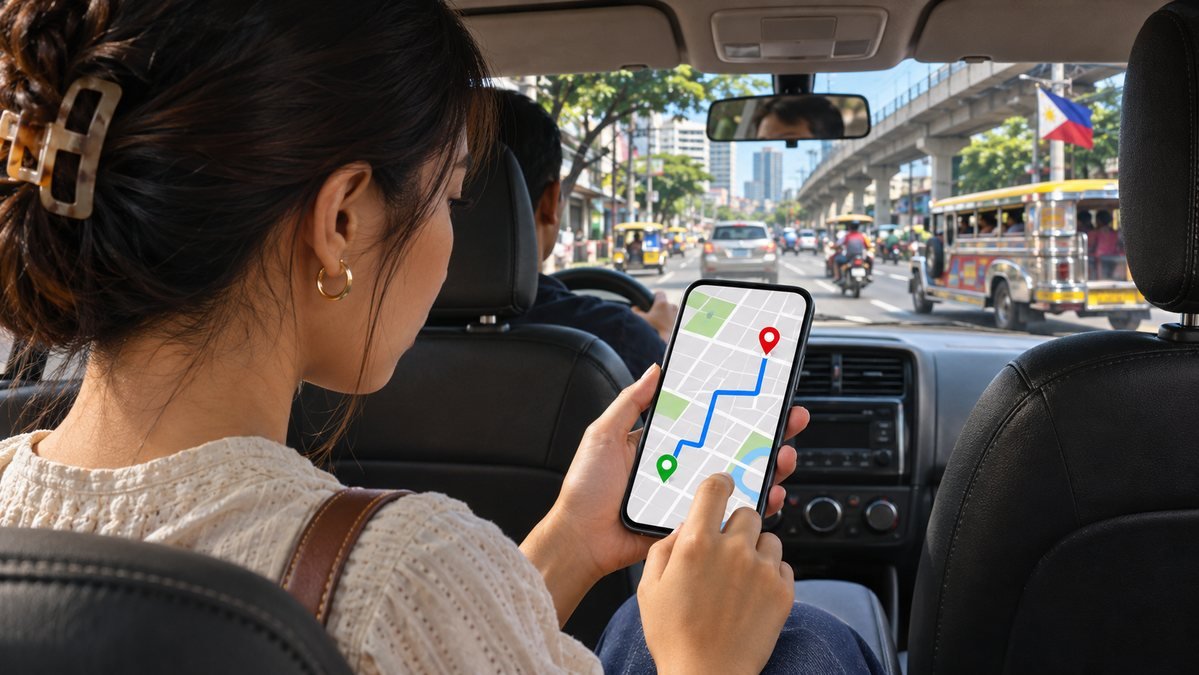
If you need to pick up a friend on the way to dinner, add their pickup point before you book your GrabCar. If you are stopping to do something with an unpredictable wait, such as picking up a repair that may still be in progress, plan for two rides. The difference is how long you need the driver to wait.
These steps follow Grab Philippines’ instructions for ordinary GrabCar bookings, checked November 29, 2026. Use the options and fare shown for your actual trip in the app.
Add the extra stop before you book
- Enter your pickup and your intended final drop-off point.
- Tap the plus sign beside the drop-off field and enter the extra stop. Grab says you can add one extra stop to a GrabCar booking.
- Check the order. Use the swap icon if the app has put the two stops in the reverse order. Switching their order can change the fare.
- Check the pins and the displayed fare, then book. The driver receives both stops with the booking.
When a building has several entrances, send the same meeting point to the person you are picking up and use that point for the app pin. Ask them to be ready before you arrive. A clear pin is especially helpful if the street address covers a whole mall or compound.
Compare the stop order and the wait
Grab says the upfront fare includes the extra stop and reflects the full route distance. Compare the fares shown for both orders if either could work for your plans. Choose the one that fits the actual sequence of your errand. If someone has agreed to meet you at a certain time, check that the order still makes sense before you tap Book. Grab’s instructions say a booked route cannot simply be driven in reverse order. If you need to reverse it after booking, Grab directs passengers to cancel and make a new booking.
For a quick first stop, Grab lists a three-minute wait. Its passenger guide says to call the driver at the start of the trip and check whether a longer wait is acceptable if you expect to need more time. Its driver guidance describes a wait of up to three minutes, so build your plan around that window and take a separate ride if you cannot be ready. If you forgot to put a stop on the booking, Grab’s passenger guide directs you to make a separate booking for the additional stop.
Use change destination when your final drop-off moves
Suppose your dinner venue changes while you are already on the way there. If your ride offers a destination change, Grab’s instructions say to tell your driver, tap your current drop-off, enter the new destination, and review the updated fare before confirming. Grab says an eligible change can be made once per trip and includes a surcharge. The feature replaces a destination. For an extra visit along the way, use the multi-stop booking steps before you ride.
Check Group Ride if several people need their own stops
Grab describes Group Ride as a separate option and listed Metro Manila among the cities where it was available on April 8, 2026. It lets invited riders enter their own stops on a shared trip. Check whether your app offers it for your route.
If you are choosing between one booking and two, use three checks. Will the first stop take about three minutes or less? Are you sure of the order? Does the displayed fare fit your plans? Take a second ride after the errand when you need time to go inside or wait for someone. If part of your route is by train, see Saktrue’s guide to claiming a Beep card reload before you ride.
Leave a Reply